Minecraft Server

Minecraft Server

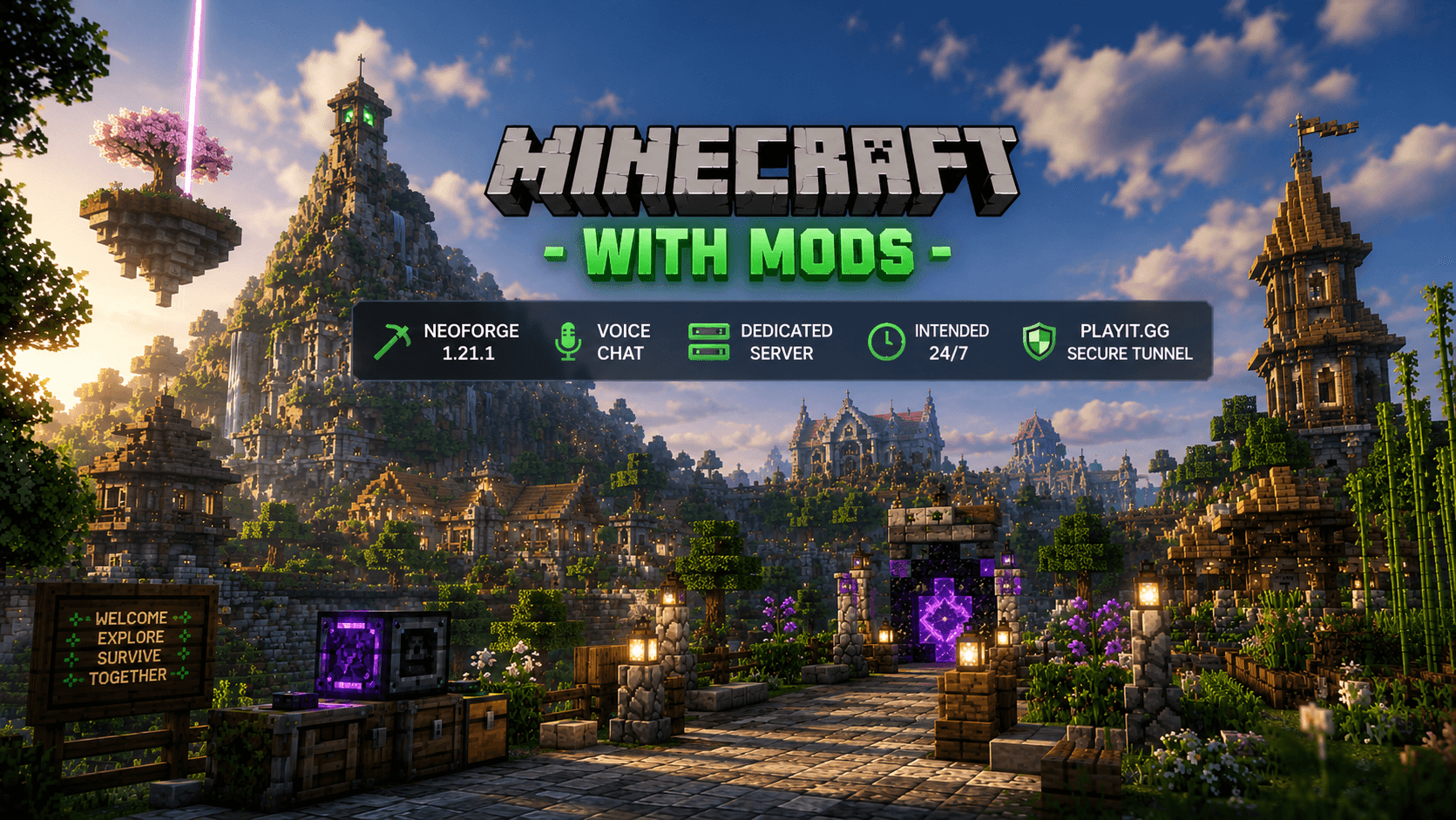
A community-driven NeoForge 1.21.1 survival server built for players looking to enjoy exploration, progression, immersive gameplay and cooperative adventures with over one hundred carefully selected mods.

24/7

Online whenever possible.

NeoForge 1.21.1

Java Modded Survival

Voice Chat

Integrated proximity voice.

Dedicated

Hosted on dedicated hardware.

Playit.gg

Secure public tunnel.

Server Status

Live server information.

Online

Players

0 / 20

Version

1.21.1

Loader

NeoForge

Voice Chat

Integrated

Connection

Playit.gg

Server Address

community-johnston.gl.joinmc.link

Downloads

Everything you need to join the server.

Download Modpack

Download the complete modpack required to join the server.

Minecraft 1.21.1

NeoForge Required

Latest Version

Download Modpack

NeoForge

Install the official NeoForge 1.21.1 loader before launching the modpack.

Official Website

Verify Download

Scan the downloaded archive with VirusTotal if you would like to verify it before installing.

Verify with VirusTotal

Installation Guide

Follow these four simple steps to install NeoForge, configure the modpack and join the server in just a few minutes.

01

Install NeoForge

Download and install the official NeoForge 1.21.1 client before launching Minecraft.

Open the official NeoForge website.
Select Minecraft version 1.21.1.
Click Get Installer.
Run the downloaded installer.
Select Install Client.
Wait until the installation completes.

Important

Always choose Install Client. Do not install the server version.

02

Download the Modpack

Download the official server modpack from the Downloads section above.

Click Download Modpack.
Save the .rar file.
Extract the archive using WinRAR or 7-Zip.

Tip

Always download the latest version of the modpack available on this website.

03

Install the Mods

Copy every mod included in the modpack into your Minecraft installation.

Press Windows + R.
Type %appdata% and press Enter.
Open the .minecraft folder.
Open the mods folder.
Copy every mod from the extracted archive into the mods folder.

Good to Know

If Windows asks whether to replace existing files, choose Replace when updating from an older version.

04

Join the Server

Launch Minecraft using the NeoForge profile and connect to the server.

Open Minecraft Launcher.
Select the NeoForge 1.21.1 profile.
Launch the game.
Open Multiplayer.
Click Add Server.
Enter any server name.
Copy the IP from the Server Status section.
Paste the address and join the server.

Ready!

The modpack has been fully tested and is compatible with the server.

Need Help?

If you encounter any issues while installing the modpack or joining the server, you can contact us through Nyvera Support, available from every page of the website. Our team will be happy to assist you in English, Spanish or other languages whenever possible.

Interactive World Map

Explore the entire Nyverea world in real time. Discover biomes, villages, structures, player builds, and navigate the server through an interactive 3D map powered by BlueMap.

Real-time interactive map
3D terrain visualization
Nether & End support
Live player locations
High-quality rendering
Available
Open Interactive Map

About the Server

This Minecraft server was created as a place where the community can relax outside of Tales of Wind while still enjoying challenging, rewarding and long-term progression gameplay.

Built around NeoForge 1.21.1, the server focuses on exploration, survival, discovery and cooperative adventures rather than rushing through progression. Every mod has been carefully selected to expand Minecraft while preserving its original feeling.

Explore

Discover an expanded world filled with countless new structures, hidden locations and rewarding adventures.

Bosses

Challenge powerful custom bosses with unique mechanics, abilities and valuable rewards.

Progression

Experience a balanced survival progression with new tools, weapons, armor, enchantments and equipment.

Immersion

Enjoy an immersive survival experience with quality-of-life improvements, backpacks, voice chat and carefully selected gameplay mods.

World Generation

Explore beautiful biomes, impressive landscapes and expanded underground cave systems.

Community

Designed for players who want a relaxed but challenging multiplayer survival experience.
Gameplay Features

Every mod has been carefully selected to expand Minecraft's gameplay while preserving the feeling of vanilla survival. Instead of overwhelming players with hundreds of unrelated additions, the modpack focuses on exploration, progression, performance and cooperative multiplayer.

World Generation

Explore a completely renewed Minecraft world featuring breathtaking terrain, expanded underground systems, improved villages and countless handcrafted structures.

Includes

TerralithTectonicDungeons AriseYUNG's Better SeriesTowns and Towers

Bosses & Adventure

Face challenging bosses, dangerous dungeons and unique encounters designed to extend Minecraft's progression far beyond vanilla.

Includes

CataclysmBosses of Mass DestructionMowzie's Mobs

Equipment & Progression

Unlock powerful artifacts, legendary enchantments and new progression systems that reward exploration and combat.

Includes

ApotheosisArtifactsRelicsEnchanting Infuser

Quality of Life

Improve everyday gameplay with inventory management, useful utilities and carefully selected quality-of-life improvements.

Includes

Sophisticated BackpacksXaero's MinimapEnchantment Descriptions

Performance & Stability

Multiple optimization mods ensure a smoother multiplayer experience, better world loading and improved server stability.

Includes

ModernFixFerriteCoreServerCoreKryptonSpark

Multiplayer Experience

Communicate naturally using integrated proximity voice chat while exploring, building and fighting together.

Includes

Simple Voice Chat

Server Philosophy

This server is designed for players who enjoy long-term survival, exploration and cooperative gameplay. While Minecraft naturally allows freedom, we encourage everyone to play responsibly and help create an enjoyable experience for the entire community.

Respect the Community

Our goal is to create a friendly environment where everyone can enjoy the server. Respect other players and avoid unnecessary conflicts.

PvP with Responsibility

PvP is enabled and considered part of the survival experience, but excessive harassment or repeatedly targeting the same players is not encouraged.

Raiding without Griefing

Small raids and stealing are part of survival gameplay. However, destroying entire bases, excessive griefing or ruining another player's progress is not allowed.

Explore Together

The server focuses on exploration, building, boss fights and cooperative adventures rather than constant player conflict.

Integrated Voice Chat

Built-in proximity voice chat encourages teamwork and creates a much more immersive multiplayer experience.

Fair Play

Play fairly, avoid exploits and help us maintain a healthy and enjoyable community for everyone.